Rakuten Mobile Employee Referral Guide日本語
By Mirai, Rakuten Mobile employee · Not the official Rakuten Mobile website
Before you choose a mobile carrier in Japan, check the signal first.
A good price is nice. But a weak signal at home is a daily problem.
This guide shows you how to check the Rakuten Mobile service area map. It is written in simple English for people who live in Japan.
Check three places: home, school, and work
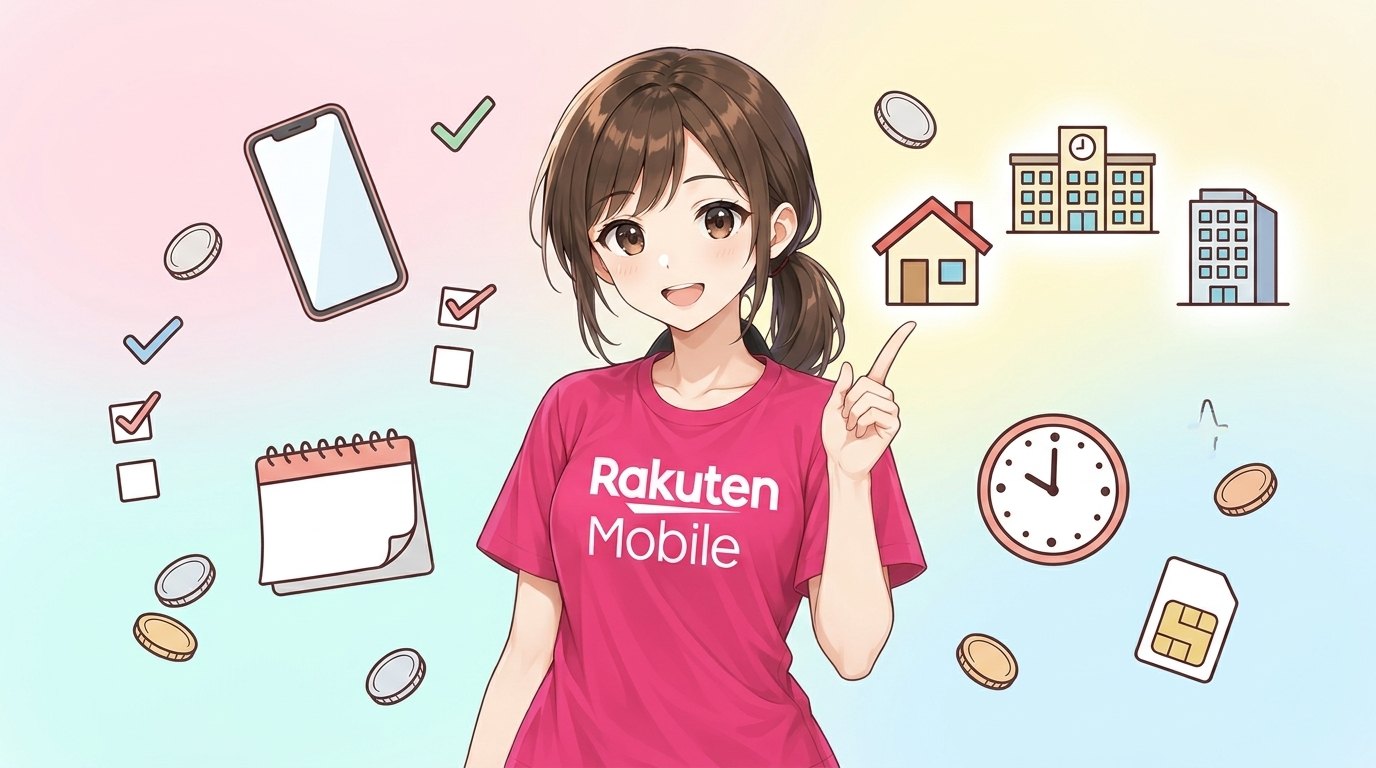
Many people only check their home address. That is not enough.
You spend many hours in other places too. Check all of these:
- Your home — and the room where you sleep or study
- Your school or university — the library and classrooms
- Your workplace or part-time job
- Your daily route — the station and the train line you use
If the signal is good in all these places, you will be comfortable every day.
How to open the service area map
Rakuten Mobile has an official “Service area map” on its website. It is one page with a big map of Japan.
Right now, this map page is in Japanese only. The English pages link to the Japanese map. Do not worry. You only need to understand a few words.
Here is a simple way to use it:
- Open the Rakuten Mobile website.
- Look for the service area map page.
- Type your address or station name into the search box on the map.
- Move the map and zoom in until you can see your building.
- Look at the color over your building.
- Repeat for your school and your workplace.
Tip: if you use a browser with a translation function, you can translate the page. The map itself is a picture, so the colors stay the same.
What the map layers mean

The map has different layers. You can turn them on and off. The main layers are:
- 4G LTE — the normal, wide network. This is the most important one for daily life.
- 5G Sub6 — a faster 5G signal, in some areas.
- 5G mmWave — a very fast 5G signal, in very small spots.
- Shops — the map can also show Rakuten Mobile shop locations.
Start with the 4G LTE layer. If your home is inside the 4G LTE area, that is the basic answer you need.
5G areas are smaller. Do not choose a carrier only because of 5G.
Partner area and au roaming
In the partner area, au roaming is available. “Roaming” means your phone uses another company’s network in that place.
So even outside the main Rakuten network, you may still have a signal. The map shows these areas in a different color.
The map is a calculation, not a promise
This part is very important. Please read it carefully.
Rakuten Mobile says the area map is calculated. It may differ from actual signal conditions. The map can also change without notice.
The map I checked showed this date: updated on October 7, 2026, with data as of September 28, 2026. So the data is always a little older than today.
Also, speed can change in these places, even inside the unlimited high-speed area:
- Underground places, such as subway stations and basements
- Indoors, especially in the middle of a big building
- Large commercial buildings, such as shopping malls
It may also be hard to connect at busy times. For example, at New Year, during a disaster, or at a big event like a fireworks festival. Many people use the network at the same moment.
Simple real-world checks you can do
The map is a good start. But a real test is better. Try these easy ideas:
- Ask people near you. Ask a friend, a classmate, or a neighbour who already uses Rakuten Mobile. Ask them about the signal in your building.
- Walk around your room. Signal can be weak next to thick walls or in the center of a building. It is often better near a window.
- Check your floor. A high floor and a basement room can feel very different.
- Test your daily route. Check the map along your train line, not only at your home station.
- Visit a Rakuten Mobile shop. Staff can look at the area information with you. Bring your address.
Also remember Wi-Fi. At home, at school, and at many workplaces, you may use Wi-Fi most of the time. In that case, mobile signal matters most outside.
Prices, so you can compare
These are the official standard prices for the Rakuten SAIKYO Plan for one person, tax included, as of October 2026. Prices may change.
| Monthly data | Price |
|---|---|
| Up to 3GB | 1,078 yen |
| Up to 20GB | 2,178 yen |
| Over 20GB (unlimited) | 3,278 yen |
Some other official fees, tax included, as of October 2026: the contract fee is 0 yen up to the 4th line. If you cancel within 1 year of starting the line, the fee is up to 1,078 yen. After 1 year, it is 0 yen.
The Rakuten Mobile website has English pages, and you can apply online in English.
Some details are not listed here. Examples are documents and payment methods. For these, please check the Rakuten Mobile website. You can also ask at a Rakuten Mobile shop.
Check the map first, then do the referral login
If the signal looks good for you, there is one more step before you apply.
Mirai is a Rakuten Mobile employee. Mirai runs an employee referral campaign. This page is not an official Rakuten site.
With this campaign, you can get Rakuten Points when you apply for the Rakuten SAIKYO Plan or Rakuten SAIKYO U-NEXT:
- 14,000 points for one line with an MNP transfer (keeping your phone number when you switch)
- 13,000 points in other cases, for example with a new number
The order is important. Do the referral login (the entry from the referral link) before you apply. It is free, and it does not sign you up for any plan. You can apply later.
Use the same Rakuten ID for the entry and for the application. A different ID is not counted.
After the entry, you must finish three things by 23:59 on the last day of the second month after your entry day:
- Your application
- Starting to use the line (the plan usage start date)
- One call of 10 seconds or more from the Rakuten Link app
For example, if you enter in September, the deadline is November 30. Applying alone is not enough.
The points come in 3 parts. They start 4 months after the month of your entry, over 3 months. They are Rakuten Points (time-limited points), valid for 6 months including the day they are given.
The campaign may change or end without notice. Please check the latest conditions after you do the referral login.
Summary
- Check the Japanese service area map for your home, school, workplace, and daily route.
- The map is calculated, so it may differ from the real signal, especially underground and inside big buildings.
- Ask friends nearby or visit a Rakuten Mobile shop to confirm before you decide.
- If you want the referral points, do the referral login first, then apply and make a 10-second Rakuten Link call before the deadline.
Get 14,000 points with the employee referral
Enter for free before you apply. Entering does not sign you up for a plan.
Enter free with your Rakuten ID ▶13,000 points for other cases (e.g. a new number). You need to start using the line and make a 10+ second call with Rakuten Link by the deadline. Check the latest conditions after entering the campaign.