Rakuten Mobile Employee Referral Guide日本語
By Mirai, Rakuten Mobile employee · Not the official Rakuten Mobile website
Do you live in Japan and want a Japanese phone number? Many people worry about the Japanese forms. Good news: Rakuten Mobile has English pages. You can also apply online in English.
This guide explains the general order of the screens. It is written in simple English. It is for international students and other people living in Japan.
Screen designs change sometimes. So here we explain the big steps, not every button. Always read the screen in front of you.
Before you start: do the referral login first
One point is very important. Do the referral login before you apply. The referral login is the entry from the referral link. It is needed for the employee referral campaign points.
- The entry is free. You just log in with your Rakuten ID from the referral link. Your Rakuten ID is also called your Rakuten Member ID.
- The entry does not sign you up for any plan. You can apply later.
- Use the same Rakuten ID for the entry and for the application. A different ID is not counted.
- An entry within 7 days including the application day may still be accepted. But you may be asked to confirm it. So entering first is safer.
With this campaign, you can get 14,000 Rakuten Points per line for an MNP transfer. An MNP transfer means keeping your phone number when you switch. For other cases, such as a new number, you get 13,000 points.
What to prepare before the application
Prepare these things before you open the application page. It makes everything faster.
- A Rakuten ID. You can make one for free if you do not have one.
- Identity verification documents. These are official papers that show who you are.
- Your phone or computer, and a stable internet connection.
- Information for the MNP transfer, if you want to keep your current number.
Accepted documents and payment methods depend on your situation. This article does not explain those details. Please ask staff at a Rakuten Mobile shop.
Choose your plan and the price
Rakuten Mobile’s main plan is the Rakuten SAIKYO Plan. The monthly price changes with how much data you use.
| Data used in a month | Monthly price (tax included) |
|---|---|
| Up to 3GB | 1,078 yen |
| Up to 20GB | 2,178 yen |
| Over 20GB (unlimited) | 3,278 yen |
These prices are as of October 2026. Prices may change.
There is also Rakuten SAIKYO U-NEXT. It costs 4,378 yen per month, tax included, as of October 2026. Both plans are covered by the referral campaign.
Please note one thing. New applications for the Rakuten SAIKYO Plan (Data Type) have been suspended since March 5, 2026. So most readers should choose the normal Rakuten SAIKYO Plan.
The order of the screens (general flow)
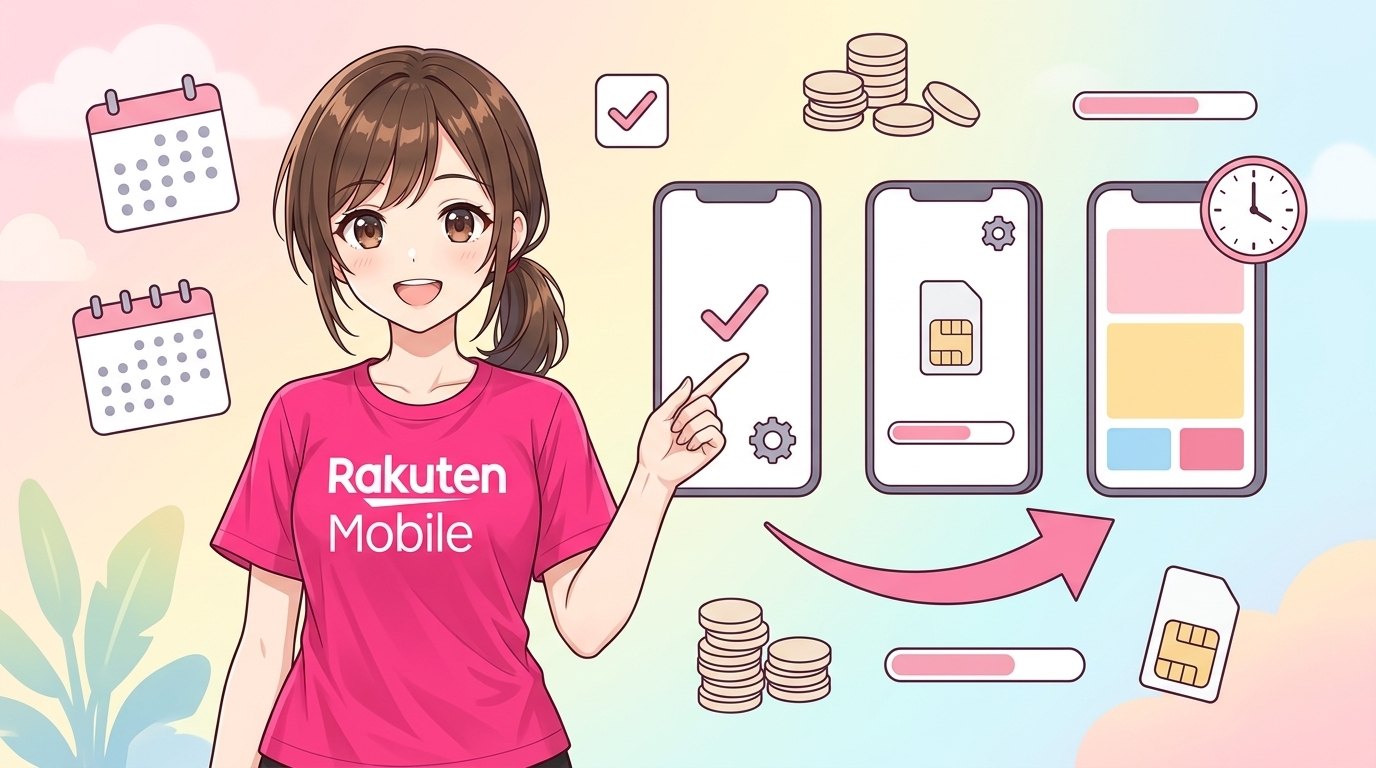
The online application usually follows this order. Some steps may look a little different on your screen.
- Switch the site to English. Look for the language setting at the top of the page.
- Do the referral login first if you want the campaign points. Log in with your Rakuten ID.
- Start the application and log in with the same Rakuten ID.
- Choose your plan. You can pick Rakuten SAIKYO Plan or Rakuten SAIKYO U-NEXT.
- Choose options, such as call options, if you want them.
- Choose a phone, or choose “SIM only” if you already have a phone.
- Choose SIM or eSIM. A SIM is a small card. An eSIM is digital, with no card.
- Choose your number. Get a new number, or use MNP transfer to keep your current number.
- Enter your personal information. Then upload your identity verification documents.
- Enter payment and delivery information.
- Check everything and confirm. Read the summary screen slowly before you press the final button.
After you apply: three things you must finish
Applying is not enough for the campaign. You must finish three things:
- The application.
- Starting to use the line. This is your plan usage start date.
- One call of 10 seconds or more from the Rakuten Link app.
The deadline is 23:59 on the last day of the second month after your entry day. For example, if you enter in September, the deadline is November 30.
About the 10-second call
You can call a family member or your own other phone number. These calls are not counted:
- Numbers that start with 0570
- Numbers with #
- Calls made with a prefix number
- Special numbers such as 188
When do you get the points?
The points come in 3 parts. They start 4 months after the month of your entry. Then they continue over 3 months. The application month is not the starting point.
- MNP transfer: 5,000 → 5,000 → 4,000 points
- Other cases (new number): 5,000 → 4,000 → 4,000 points
These are Rakuten Points. They are time-limited points. They are valid for 6 months, including the day you get them. So use them before they end.
Up to 5 lines per person are covered. People who cancelled before and come back are also covered. Applications at shops are covered too.
Small tips for a smooth application
- Write your name exactly as it appears on your documents.
- Take clear photos of your documents. Avoid shadows and blur.
- Use one Rakuten ID only. Do not make a second one by mistake.
- Install the my Rakuten Mobile app after your application. It is the app and account page for your line. You can check your status there.
- Install the Rakuten Link app and log in with the same Rakuten ID.
If anything is unclear, ask at a Rakuten Mobile shop. Staff can look at your screen and your documents directly.
Campaign conditions may change or end without notice. Check the latest conditions after you finish the referral login.
Summary
- You can apply for Rakuten Mobile online in English, step by step.
- Do the referral login first. Use the same Rakuten ID for your application.
- Finish the application, start the line, and make a 10-second Rakuten Link call before the deadline.
- For documents, payment methods, and other details, ask at a Rakuten Mobile shop.
Get 14,000 points with the employee referral
Enter for free before you apply. Entering does not sign you up for a plan.
Enter free with your Rakuten ID ▶13,000 points for other cases (e.g. a new number). You need to start using the line and make a 10+ second call with Rakuten Link by the deadline. Check the latest conditions after entering the campaign.