Rakuten Mobile Employee Referral Guide日本語
By Mirai, Rakuten Mobile employee · Not the official Rakuten Mobile website
You have your residence card. You fill in the form. But the check still fails.
This is a common problem for people from other countries. Most of the time, the reason is small. It is often the name or the address.
This guide explains the main reasons and how to fix them. It uses simple examples.
Why identity verification fails
Rakuten Mobile compares your application with your identity verification documents (official papers that prove who you are, such as a residence card).
If even one letter or number is different, the system sees a mismatch. The computer does not guess.
The most common causes are:
- The name is split in the wrong way (middle name problems).
- You have only one name, with no family name.
- You typed your name in kanji instead of romaji.
- The spelling is different, even if the sound is the same.
- The address is missing a part, such as the building or room number.
- The IC chip in your residence card still shows your old address.
How to enter a middle name
Many names have three or more words. Rakuten Mobile has only two fields: Last Name and First Name.
The official rule is simple:
- Last Name = the part of your name up to the first space.
- First Name = everything after the first space, in the same order.
Example: your card shows “RAKUTEN TARO MOBILE”.
| Field | What you type |
|---|---|
| Last Name | Rakuten |
| First Name | Taro Mobile |
Do not change the order. Do not delete the middle part. Keep the space between “Taro” and “Mobile”.
If you have only one name
Some people have a single name on the residence card, with no family name.
The rule is:
- Last Name = the first 2 letters.
- First Name = from the 3rd letter to the end.
Example: your card shows “RAKUTEN”.
| Field | What you type |
|---|---|
| Last Name | Ra |
| First Name | kuten |
It looks strange, but this is the official way.
Romaji, spelling and small differences
Some residence cards show both kanji and romaji. In that case, register everything in romaji.
For example, type “RAKUTEN TARO”, not the kanji version.
Also, the same sound with different letters counts as a mismatch. Here are examples:
- “Kevin” and the katakana spelling are not the same.
- “Wang” and the kanji version are not the same.
If you are a foreign national, always use the name exactly as it appears on your residence card.
One more point surprises many people. Your Rakuten ID is your Rakuten Member ID. You use it for shopping and points. Changing the name or address there does not change your Rakuten Mobile contract information.
After your line starts, you change contract details in my Rakuten Mobile (the app and account page for your line).
Address and date of birth
Check your address slowly, part by part. Many errors are here.
- Is the city and ward written?
- Is the building name written?
- Is the room number written?
- Is the date of birth exactly the same as on your card?
A missing room number is enough to fail the check.
The IC chip address problem
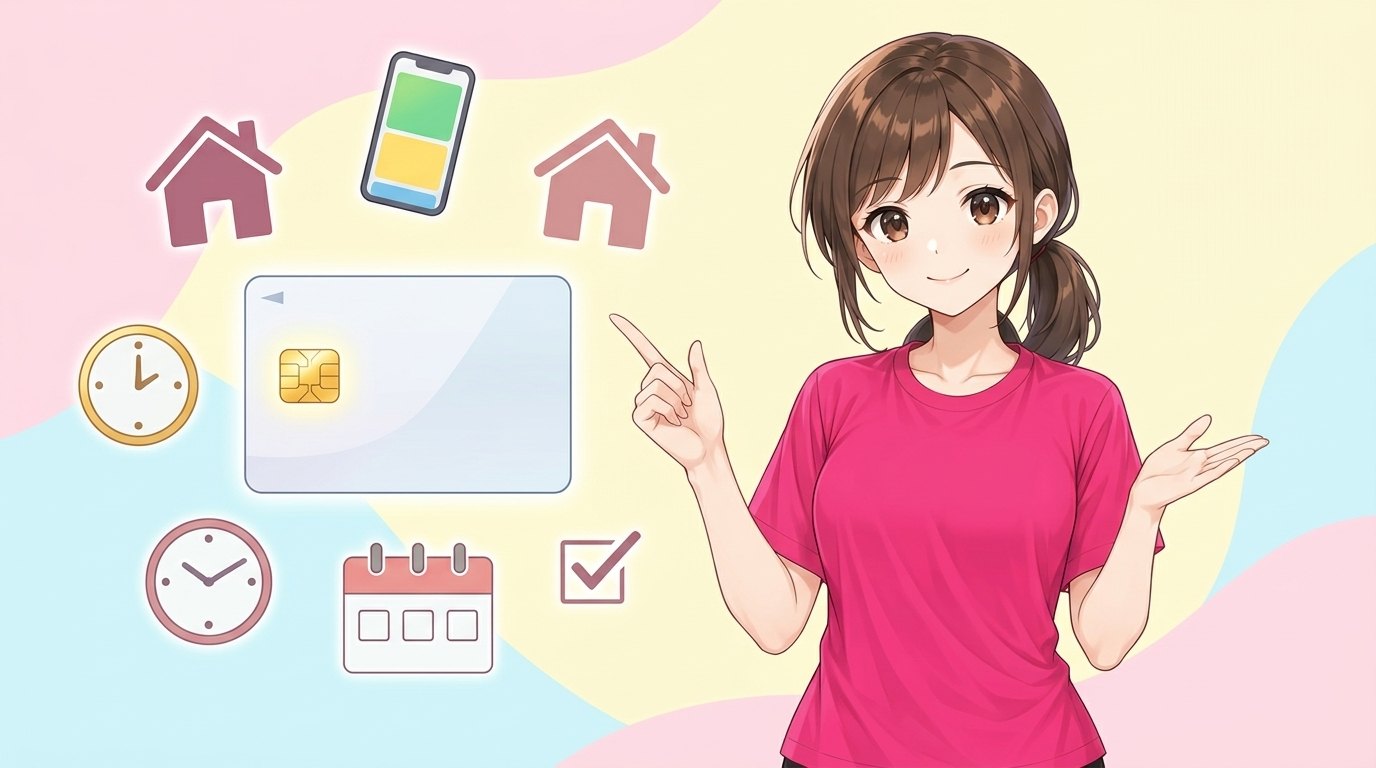
Your residence card has an IC chip inside. Some verification methods read this chip.
If the address in the chip is different from your current address, the check can fail.
Here is the important point. If you moved and updated your address before mid-June 2026, your IC chip may still show your old address. In that case, the back of the card is updated, but the chip is not.
What you can do:
- Get your residence card reissued, so the chip has the new address.
- If the chip address is not correct, you cannot use Simple Mobile ID Verification. Apply at a Rakuten Mobile shop instead.
If your information still does not pass the screening, you can renew your card. Another way is to send a copy of your residence certificate by mail.
Details of documents and steps can change. Please check the Rakuten Mobile website or ask at a Rakuten Mobile shop.
A simple checklist before you apply
- Put your residence card next to your screen.
- Type your name in romaji, exactly as printed.
- Split the name using the rules above.
- Check the address, building and room number.
- Check your date of birth.
- Check that your current address matches the IC chip.
Rakuten Mobile has English pages, and you can apply online in English. So you do not need to read Japanese to finish the form.
Do the referral login first, then apply
Here is one thing to do before you start your application.
This site is run by Mirai, a Rakuten Mobile employee. It is not an official Rakuten site. Mirai can refer you through the employee referral campaign.
The basic points:
- You log in with your Rakuten ID from the referral link. This is the referral login (the campaign entry).
- It is free. It does not sign you up for any plan.
- 14,000 Rakuten Points per line for an MNP transfer (keeping your phone number when you switch). 13,000 points in other cases, such as a new number.
- Use the same Rakuten ID for the entry and the application. A different ID is not counted.
- Enter before you apply. An entry within 7 days including the application day may still be accepted, but you may be asked to confirm.
Then finish three things by 23:59 on the last day of the second month after your entry day:
- Your application for Rakuten SAIKYO Plan or Rakuten SAIKYO U-NEXT.
- Your plan usage start date (your line starts working).
- One call of 10 seconds or more from the Rakuten Link app.
Example: if you enter in September, the deadline is November 30.
The call can be to a family member or your own other number. Calls to numbers starting with 0570, # numbers, calls with a prefix number, and special numbers such as 188 are not counted.
Points come in 3 parts, starting 4 months after your entry month, over 3 months. They are time-limited points, valid for 6 months including the day you get them.
Rakuten SAIKYO Plan costs 1,078 yen up to 3GB, 2,178 yen up to 20GB, and 3,278 yen over 20GB, tax included, as of October 2026. Prices may change.
The campaign may change or end without notice. Please check the latest conditions after you finish your entry.
Summary
- For a middle name, Last Name is the part before the first space, and First Name is everything after it.
- For a single name, use the first 2 letters as Last Name and the rest as First Name.
- If you moved and updated your address before mid-June 2026, your IC chip may show the old address; then apply at a shop.
- Do the referral login with your Rakuten ID first, then apply, start the line, and make a 10-second Rakuten Link call.
Get 14,000 points with the employee referral
Enter for free before you apply. Entering does not sign you up for a plan.
Enter free with your Rakuten ID ▶13,000 points for other cases (e.g. a new number). You need to start using the line and make a 10+ second call with Rakuten Link by the deadline. Check the latest conditions after entering the campaign.